

GamePatchNote Digest
Signal Simulator Patch Notes — December 21, 2019
Aggregated from Steam, cross-tracked with Battle.net coverage on GamePatchNote.
Thanks to D00mD0g for recording some real signals that are added to the game. Here is the tech he used :
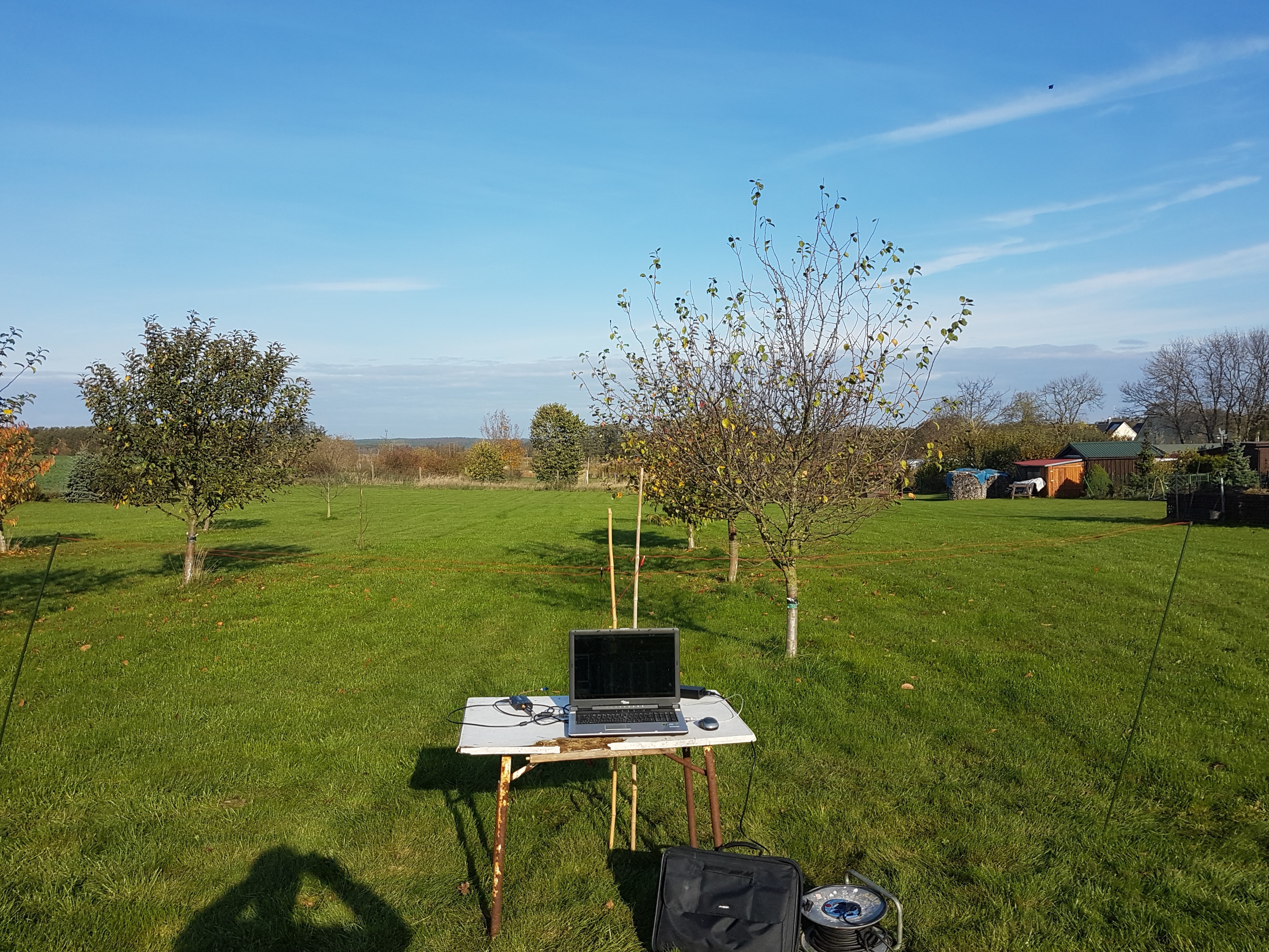
New
- Telescope Added to the game
- VHS - you can now watch movies from your local hard drive - IMPORTANT only .mp4 and .avi files can be played
- Some new secrets :)
Fixes :
- If you click on the laptop and then quickly get out of the chair the laptop screen still opens.
During the bug above if you click on the terminal and then exit out it won't return you to the main laptop screen (where you can select from scanner, database .etc) and instead closes you out of the laptop entirely. At this point the mouse cursor is still visible and you won't be able to interact with anything. - Some lights doesn't show on snow.
- When solar panels are clean from snow and start cleaning again the snow layer resets.
- When using the laptop if you click on the rover, then on logout and then go to the scanner without first closing the laptop does the FPS noticeably decrease while inside the scanner.
- Rover doesn't stop when there is a wall in front of it.
- Rover Camera doesn't render snow, sun and weather effects
- While Antennas are moving and you start auto calibration, the antennas continue to rotate.
Improvements
- Added option for TAA
- Added option for SMAA
- Buttons for purchase an Upgrade or Install a Module are moved in the lower right corner of the screen. Reason is to prevent it from cropping.
- Upgrades and Modules can be scrolled in case of wider screens. Same with the modules
- Transition from legacy to Post Processing v2
- Terrain Improvements