

Oculus Performance Update and Quest Support
PAGAN PEAK VR Patch Notes — June 25, 2020
Aggregated from Steam, cross-tracked with Battle.net coverage on GamePatchNote.
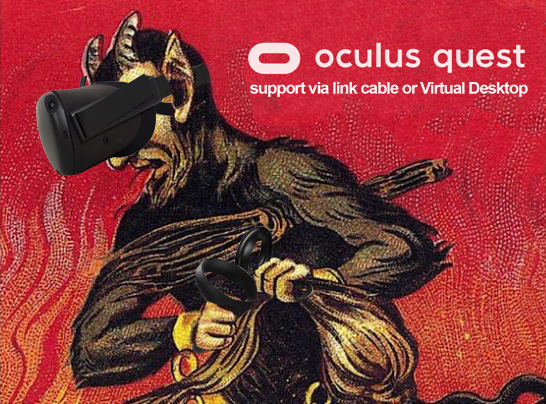
For those of you wishing to play PAGAN PEAK VR on your Quest, please follow the instructions below:
Running Pagan Peak VR on Oculus Quest via Oculus Link cable:
Please make sure to connect your Quest and open the Oculus app before opening Steam VR and ensure that your Quest is detected correctly in the Oculus App. Then start up Steam VR and launch the game. When prompted to choose in which mode you wish to launch Pagan Peak VR
please make sure you select Oculus VR mode.

WINDOWS MIXED REALITY USERS:
If you find yourself to be drifting in the game without pressing down the thumbstick please note that this is a hardware issue due to differentiation in manufacturing of the WMR thumbstick. To reduce drifting you can adjust the Thumbstick Deadline Value in Steam VR under:
Settings->Controllers->Edit Thumbstick Settings
patch notes
___________
- general performance update
- native Oculus support added
- official Support of Oculus Quest via Virtual Desktop and Oculus Link
- fixed input bug related to movement of vive wands
- fixed minor graphics bugs
- fixed bugs related player repositioning when moving out of bounds