

Boom 3D Windows: Experience 3D surround sound in games
Patch notes · News · Live player count
About
Experience 3D surround that is specifically designed for games on your Windows 10 and 11 devices across any headphones or speakers. Boom 3D's system-wide integration on Windows OS enriches the audio output for every user-interaction making gaming an unbelievably immersive experience.
Media Gallery(6)
Detailed
Boom 3D is a pro audio enhancement app that has been designed to play all your media content with incredible 3D surround sound, equaliser and audio effects on ANY headphones /speakers, from any player, any media, any streaming services. Boom 3D enhances your audio system-wide. Specially designed for gaming, our multi-channel 3D surround brings unmatched clarity to every game interaction. From the muted footsteps of your opponent to the roar of a dragon, Boom 3D renders the detail in all its crispness and clarity, leading you to victory! With Boom, 3D gaming becomes a truly immersive experience. - 3D Surround Sound - Audio enhancer - 31-Band Equalizer - Advanced Audio Player - 20,000+ Radio Stations - Apps Volume Controller (Volume Mixer) - Audio Effects
Patch Notes & Announcements(35)
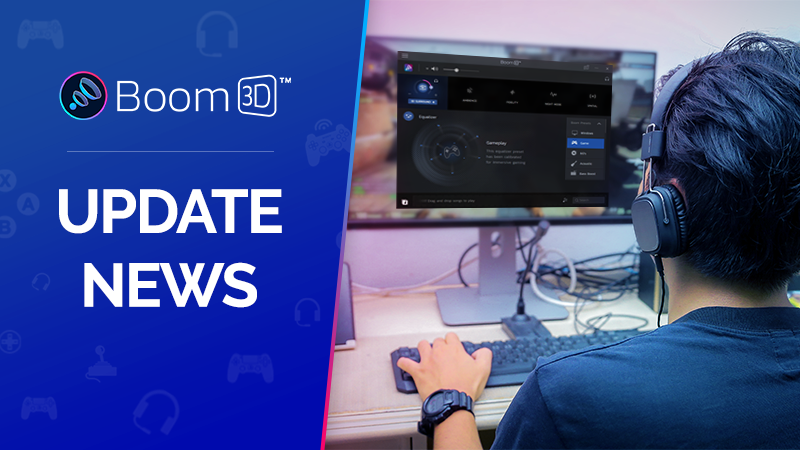 MINOR
MINORBoom 3D v2.0.0 is Here!
{STEAM_CLAN_IMAGE}/35183384/5f8d52b842a77c8fcbb4dc36601590dee6e3c49c.pngEnjoy new features, improvements, and bug fixes for an even better audio experience! New Features: Introducing Boom 3D Headphone
 MINOR
MINORBoom 3D v1.6.0
Here’s what’s new in v1.6 of Boom 3D for Windows: - New Feature: You can now set Boom 3D as your default player, making it easier to immerse yourself in enhanced audio across all your audio files. - I
MINORBoom 3D v1.5.9000
Here’s what’s new in v1.5.9000 of Boom 3D: * We’ve squashed some bugs and improved overall performance because we’re always striving to make Boom 3D the best it can be! Enjoy the latest version. We’re
MINORBoom 3D v1.5
Here’s what’s new in v1.5 of Boom 3D: Introducing AirBoom: Your Windows Device Takes Flight! Say goodbye to tangled wires and hello to audio freedom. With AirBoom, turn your Windows device into a high
MINORBoom 3D v1.5 Beta
Here’s what’s new in v1.5 of Boom 3D: Introducing AirBoom: Your Windows Device Takes Flight! Say goodbye to tangled wires and hello to audio freedom. With AirBoom, turn your Windows device into a high
MINORBoom 3D v1.4.8510
Here’s what’s new in v1.4.8510 of Boom 3D: * We've hunted down that sneaky bug causing audio issues that some of you may have experienced. No more unexpected interruptions. * We’ve squashed some minor
MINORJoin the beta of the latest version of Boom 3D!
Hey folks! We're working on the latest version of Boom 3D and we've released a beta to hear your feedback and suggestions. Follow the simple steps below to be a part of the test: - Visit the store - R
MINORBoom 3D v1.4.7
Here’s what’s new in v1.4.7 of Boom 3D: Features: * We've added a 'Buffer Slider' in the settings to optimize the buffer size. This new feature enhances audio clarity and balances the delay. Plus, the
MINORBoom 3D v1.4.2
Here’s what’s new in v1.4.2 of Boom 3D for Windows: - Bug fixes and performance improvements. We thrive on your feedback and comments, please feel free to get in touch with us on boomwindows@globaldel
MINORBoom 3D v1.4.1
Here’s what’s new in v1.4.1 of Boom 3D for Windows: - Bug fixes and performance improvements. We thrive on your feedback and comments, please feel free to get in touch with us on boomwindows@globaldel
You Might Also Like
Popular titles trending on Steam right now.





